


Desktop Phone Photo Printer
Desktop Phone Photo Printer
hllpro
Couldn't load pickup availability
Free Shipping on Orders Over $100
Safe & Secure Checkout
What's in the box?
What's in the box?
1x Desktop Phone Photo Printer
How to pay with Paypal
How to pay with Paypal
How to Pay with PayPal
Step 1: Add your product to cart → click “Add to Cart”
Step 2: Go to your cart → click “Checkout”
Step 3: Select PayPal as your payment method
Step 4: Log into PayPal → click “Pay Now”
Step 5: You’ll return to our store & get a confirmation email


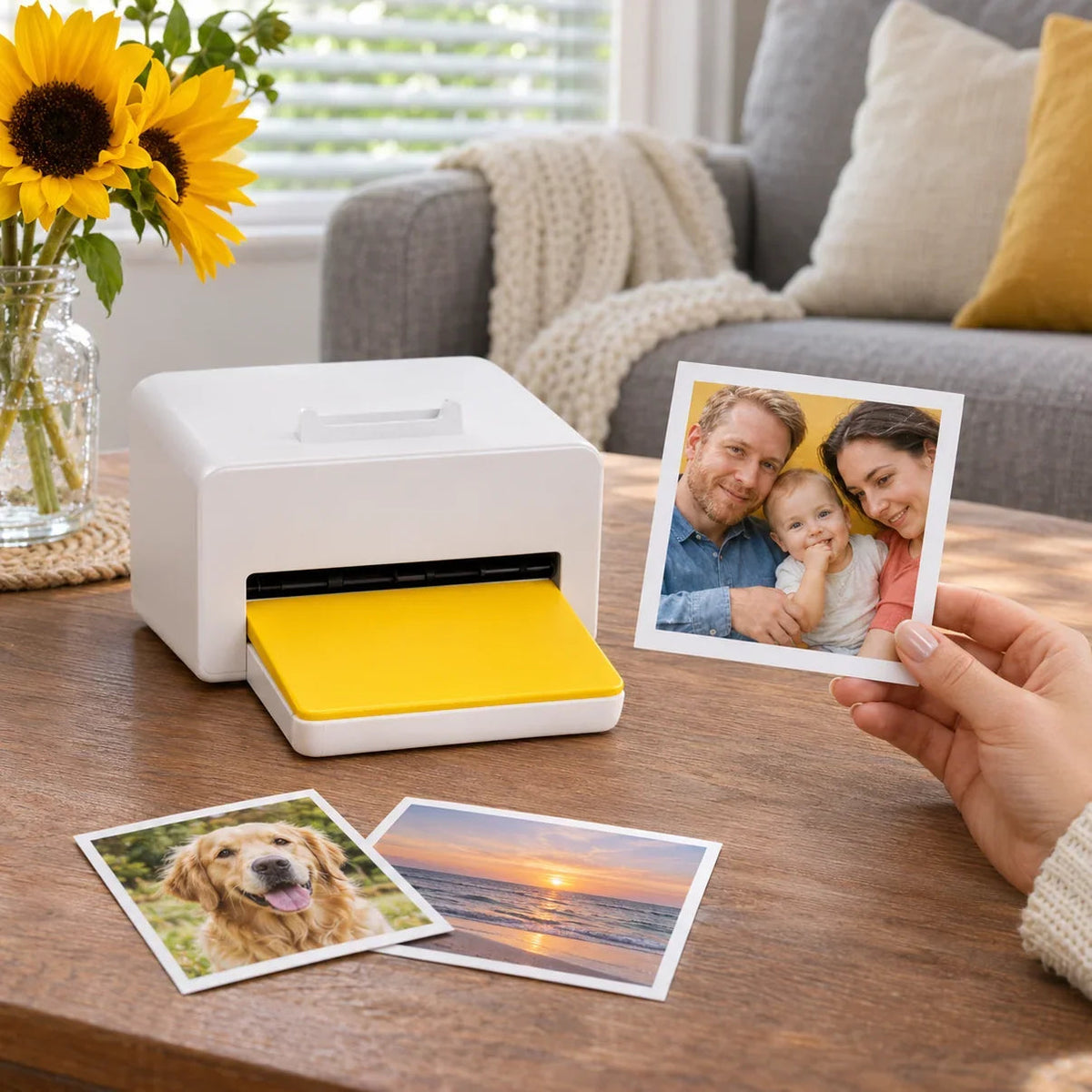

Print Right From Your Phone
No cables, no computer. Pick a photo in the app, tap print, and your phone rests upright in the built-in dock while the print rolls out on your desk.

Made For Real Memories
Get your favorite moments off the camera roll and into your home. Fill a photo wall, build a family album, decorate a scrapbook or tuck a real print into a handmade card.
FAQ
How do I print a photo?
Connect your phone through the printer's app, pick a photo, tap print and the print comes out on your desk. No computer or cables needed.
What is the slot on top for?
It's a built-in dock that holds your phone upright while you print, so choosing and printing your next photo is quick and easy.
What can I do with the prints?
Frame them, fill a photo wall, build a family album, decorate a scrapbook or add a real photo to a handmade card.
Where does it fit?
The compact white body and yellow paper tray sit neatly on a desk, shelf or craft table, and look cheerful in any room.
How do I care for it?
Keep it in a dry, dust-free spot, wipe the body with a soft dry cloth and store unused photo paper flat in its pack.